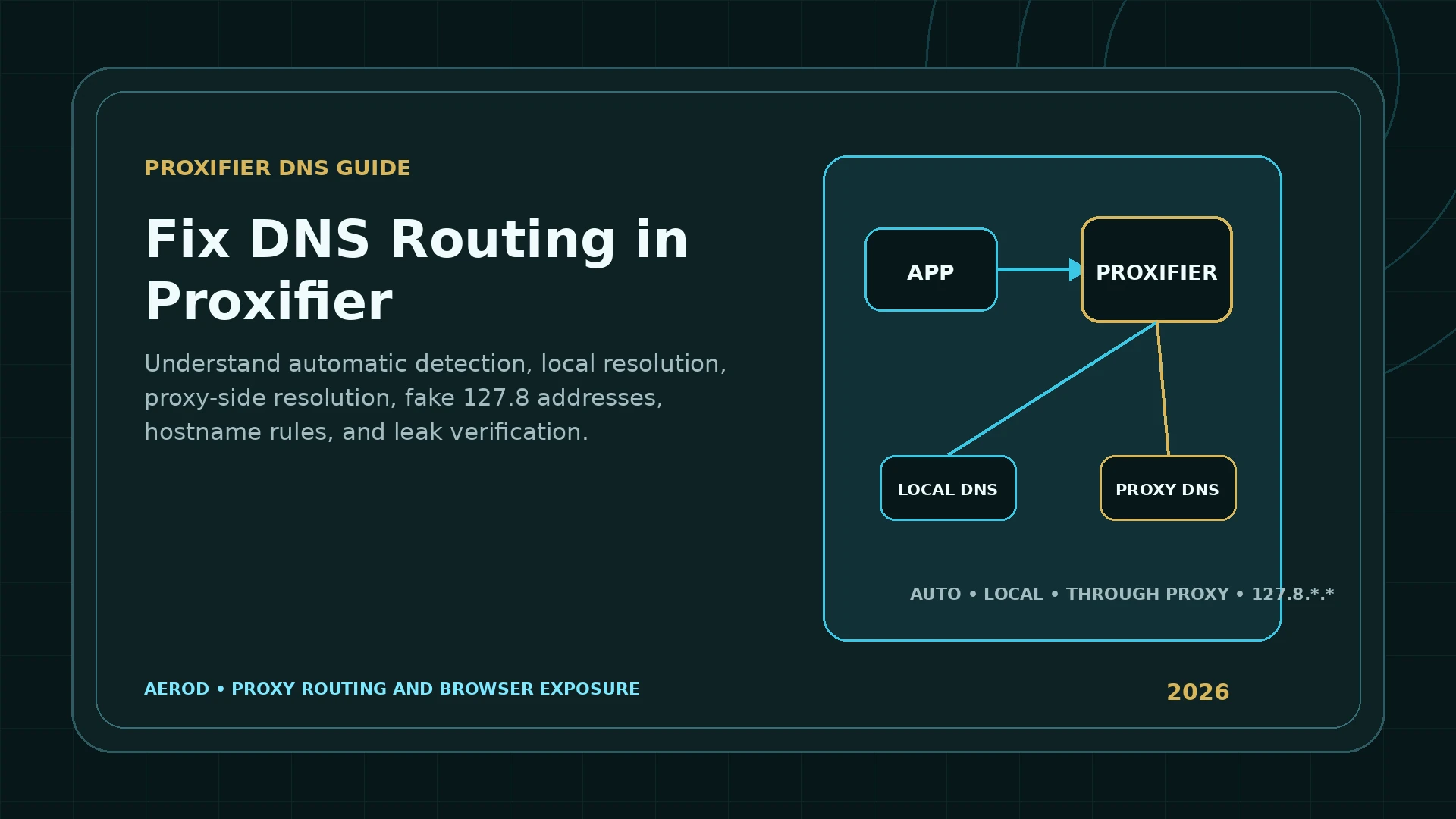
Proxifier can resolve hostnames locally or through a proxy, but the setting is not a universal DNS privacy switch. It changes how matching Proxifier traffic resolves names, and it also changes how hostname and IP-based rules behave.
Recommended starting point
Leave Detect DNS settings automatically enabled until the basic proxy route works.
Then use Verbose logging to confirm whether names resolve locally or through the proxy. Change the mode only when the expected resolver path is documented and tested.
What Proxifier name resolution controls
Applications commonly pass a hostname such as example.com to the operating system. The name must be translated into an IP address before a connection can be made.
Proxifier can:
- Allow the local system resolver to process the hostname.
- Resolve the hostname through the proxy.
- Switch automatically based on local DNS availability.
- Apply local or proxy-side behavior to selected names using inclusion or exclusion lists.
- Log DNS requests in Verbose or Debug mode.
The setting is stored in the Proxifier profile. Different profiles can therefore have different name-resolution behavior.
Automatic DNS detection
Proxifier enables Detect DNS settings automatically by default. It continuously monitors the local DNS condition. When the system DNS service becomes unavailable, Proxifier can enable Resolve hostnames through proxy; when local DNS is available again, it can disable that mode.
The Output log reports changes such as:
(Automatic DNS mode detection) Local DNS service is available/unavailable.
Name Resolution through proxy is disabled/enabled.
This default is useful for a beginner because it avoids forcing proxy-side resolution when the local resolver works normally.
Local name resolution
With local resolution, the operating system or application obtains the destination address before Proxifier applies the connection rule. The local computer therefore knows the real IP address.
Advantages:
- IP-address-based rules can match the real destination.
- Local network names can work normally.
- Applications receive ordinary destination addresses.
- Troubleshooting is simpler.
Privacy tradeoff:
- The DNS request can use the ISP resolver, a manually configured resolver, browser DNS-over-HTTPS, enterprise DNS, or another local path.
- The resolver path may not match the proxy route.
Proxy-side name resolution
When Resolve hostnames through proxy is enabled, Proxifier sends the hostname through the proxy path rather than requiring the local system to resolve it first.
Proxifier's official documentation warns that the proxy cannot simply return the real destination IP to the local application in this model. Proxifier assigns a local placeholder address such as 127.8.*.* that is valid only on the computer.
The application connects to the placeholder. Proxifier associates that placeholder with the original hostname and asks the proxy to connect to the hostname.
Why 127.8.x.x appears
The 127.0.0.0/8 block is loopback space. Proxifier uses addresses in the 127.8.*.* pattern as internal placeholders for proxy-resolved names.
This does not mean the destination server runs on your computer. It means:
- The local application received a placeholder.
- Proxifier retained the hostname association.
- The proxy-side connection uses the hostname.
Do NOT resolve and Resolve ONLY lists
The Name Resolution dialog can apply exceptions:
| Option | Behavior | Use case |
|---|---|---|
| Do NOT resolve the following | Matching names resolve locally; other names resolve through the proxy | Keep local or enterprise names on the local resolver |
| Resolve ONLY the following | Matching names resolve through the proxy; other names resolve locally | Limit proxy-side DNS to selected public domains |
Wildcards are supported:
*matches any substring.?matches one symbol.%ComputerName%represents the local computer name.%SimpleHostnames%represents names without a dot, which are commonly used on local networks.
Keep local hostnames and the computer name out of proxy-side resolution unless the network design specifically requires otherwise.
Build rules around hostnames, not placeholder IPs
When proxy-side DNS is active, prefer:
Applications: "C:\Tools\Client.exe"
Target hosts: service.example.com;*.service.example.com
Target ports: 443
Action: MY_PROXY
Avoid building a rule around the current 127.8.*.* value. The placeholder is local and can change with Proxifier state.
Use Verbose logging
Set Log → Screen Log → Verbose or Log → File Log → Verbose. Proxifier's official UI documentation states that Verbose includes DNS requests and rule processing.
Look for:
- Automatic DNS mode changes.
- Local or proxy-side resolve events.
- The application and process ID making the request.
- The original hostname.
- The matched rule.
- Loop-detection messages.
- Connection failures after resolution.
Prevent DNS resolution loops
A local proxy or tunneling program can create a name-resolution loop when its own DNS request is captured and redirected back into itself. Proxifier includes Infinite Name Resolution Loop Detection.
If a loop is detected, Proxifier can log:
Name resolution over proxy has been automatically disabled to prevent infinite loop.
Fix the configuration instead of disabling loop protection:
- Add a Direct rule for the local proxy or tunnel process.
- Keep local proxy connections outside Proxifier.
- Disable proxy-side name resolution when the local proxy cannot safely handle it.
- Restart affected applications after changing the DNS mode.
Browser encrypted DNS can be a separate path
Modern browsers can use DNS over HTTPS. That resolver selection can be independent of the ordinary operating-system resolver. Proxifier's name-resolution setting does not automatically prove how every browser's encrypted DNS feature behaves.
RFC 8484 defines DNS over HTTPS, while RFC 7858 defines DNS over TLS. Both protect DNS transport on the segment where they are used, but neither alone proves that the browser selected the resolver or network path intended for a Proxifier workflow. RFC 9076 describes the wider DNS privacy risks created by resolver choice, caching, forwarding, and changing network context.
When a browser uses the proxy:
- Check whether the browser's DNS-over-HTTPS setting is enabled.
- Identify whether its resolver connection is itself captured by the Proxifier rule.
- Review the browser and Proxifier logs.
- Use a controlled DNS test rather than inferring the resolver from the public IP.
What a DNS leak means here
In a proxy or VPN workflow, a DNS leak usually means the observed resolver path differs from the one the user intended. A local ISP resolver is not automatically a leak when local resolution was intentionally configured. A public encrypted resolver is not automatically private when the threat model expected the proxy provider's resolver.
The meaningful comparison is:
| Question | Evidence needed |
|---|---|
| Which resolver handled the query? | Controlled authoritative DNS observation |
| Did the query leave through the expected route? | Resolver and network-path evidence |
| Was the query encrypted? | Protocol and endpoint confirmation |
| Did every application follow the same DNS path? | Per-application testing |
Why the Aerod DNS Leak Test remains planned
A credible DNS test needs unique hostnames and controlled authoritative infrastructure. The infrastructure must observe which recursive resolver requests each unique name, associate the event with the browser session, and explain caching, forwarding, encrypted DNS, and provider intermediaries.
Aerod does not label its planned DNS route as a working test until that controlled infrastructure exists. Use DNS Leak Test Explained for the test-design limits.
Proxifier DNS verification workflow
Document the intended resolver path
- Verify the basic proxy route first.
- Record whether automatic detection is enabled.
- Record whether hostnames resolve locally or through the proxy.
- Keep simple local names local unless explicitly required.
- Use hostname rules with proxy-side resolution.
- Enable Verbose DNS logging.
- Check browser encrypted-DNS settings.
- Keep loop detection enabled.
- Use a controlled resolver test when available.
- Retest each application separately.
FAQ
Does enabling Resolve hostnames through proxy stop every DNS leak?
No. It changes Proxifier name resolution for traffic it handles. Other applications, browser encrypted DNS, operating-system services, excluded rules, and unsupported resolution methods can use other paths.
Why does Proxifier show 127.8.x.x addresses?
When names resolve through the proxy, Proxifier cannot provide the real destination IP to the local application, so it assigns a local placeholder address such as 127.8.x.x.
Why do IP-based rules stop working with proxy-side DNS?
The local computer sees Proxifier's placeholder address instead of the real destination IP. Use hostname-based rules for names resolved through the proxy.
Should I disable automatic DNS detection?
Not for an ordinary first setup. Automatic detection monitors local DNS availability and enables proxy-side resolution when the system DNS service is unavailable.
What are Do NOT resolve and Resolve ONLY lists?
They let you choose which hostnames resolve locally or through the proxy. Wildcards are supported, and simple local hostnames can be kept out of proxy-side resolution.
Why is Aerod's DNS Leak Test still planned?
A credible leak test needs controlled authoritative infrastructure that can associate unique DNS requests with the resolver that handled them. Aerod does not label the planned route as a working test before that infrastructure exists.