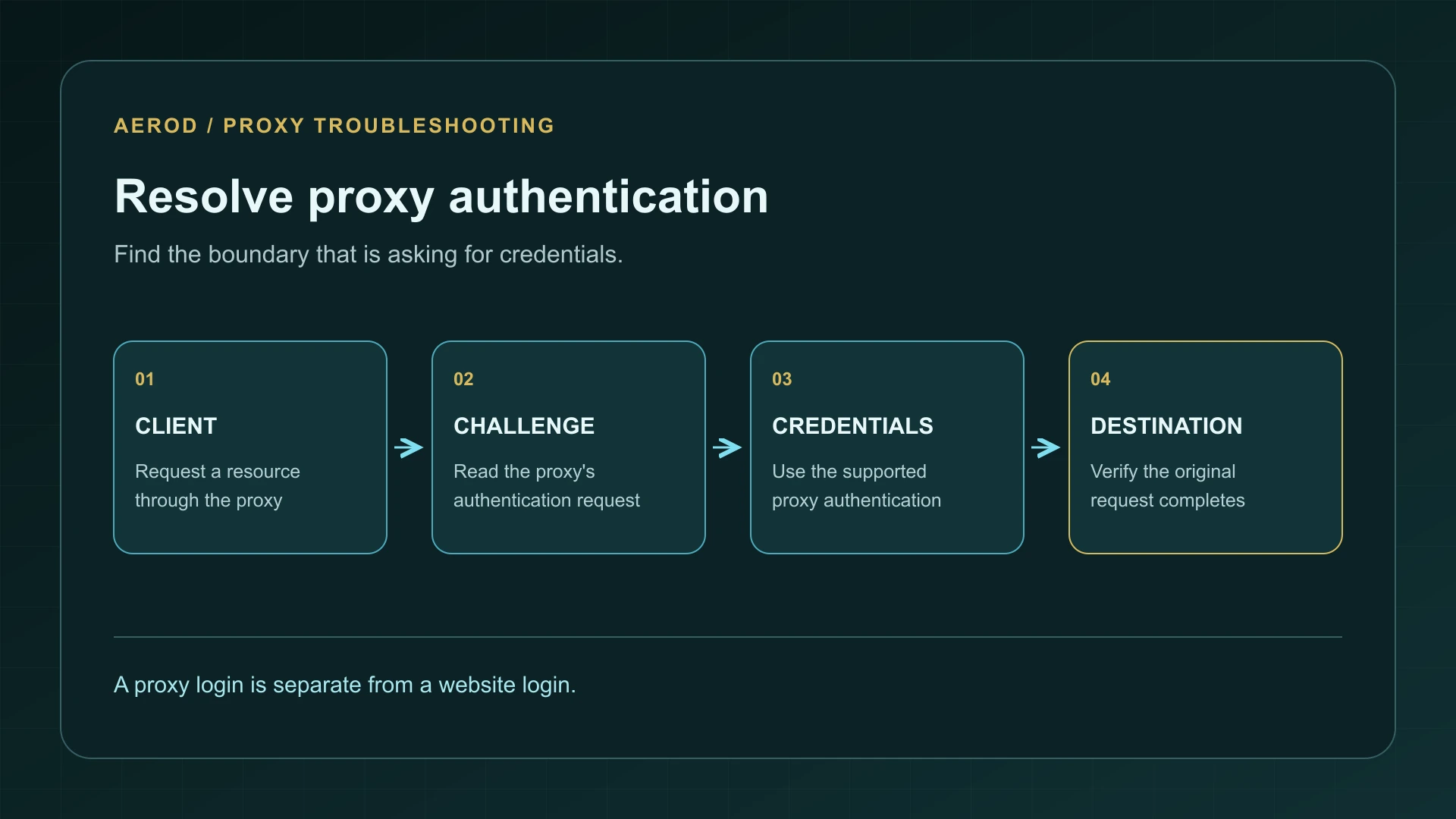
HTTP 407 means that a proxy is asking the client to authenticate before it will handle the request. Start with the proxy address, port, credentials, and authentication method. Changing the password for the website you wanted to visit usually addresses the wrong system.
A single 407 can be part of a normal authentication negotiation. The failure to investigate is a request that ends at 407 or repeatedly asks for credentials without completing. This guide covers HTTP proxy authentication, including HTTPS requests carried through an HTTP proxy; a SOCKS authentication failure uses a different protocol.
Locate the authentication boundary
On narrow screens, scroll the table horizontally.
| Result | What to investigate | Useful distinction |
|---|---|---|
| 407 Proxy Authentication Required | The intermediary's authentication challenge | Look for Proxy-Authenticate |
| 401 Unauthorized | Authentication for the requested resource | Look for WWW-Authenticate |
| 403 Forbidden | A refusal or access policy | Identify whether the proxy or destination returned it; do not assume a password reset will help |
| Connection refused or timeout | Endpoint reachability, routing, or availability | No HTTP authentication response may have arrived at all |
RFC 7235 defines the 407 challenge and distinguishes proxy credentials from origin-server credentials. Its companion HTTP semantics specification describes 403. Record the actual status and responding layer before applying a fix.
1. Confirm which proxy the application is using
Check the configured hostname, port, and protocol against the information supplied by the proxy operator. A valid username for one endpoint does not establish access to a different product, organization, or gateway. An old port copied from a previous configuration can also reach a service with different requirements.
Trace the setting that actually applies to the failing application: its own proxy preferences, the operating system, an automatic configuration script, a browser extension, or a routing utility. Write down one route and test one request. Changing all of those settings together makes it difficult to know which change mattered.
If you use Proxifier, follow the Proxifier troubleshooting guide to identify the process and matched rule. A successful browser request does not establish that another program used the same proxy.
2. Check credentials without exposing them
Use the credential type requested by the proxy operator. A billing-dashboard login, website account password, API key, and proxy username are not interchangeable unless the service explicitly says they are. For a managed workplace proxy, ask your administrator which account and authentication method apply.
- Re-enter the username in the application's proxy-authentication field.
- Check copied values for accidental spaces, missing characters, or an outdated saved password.
- If credentials were changed, update the application that is still sending the old ones.
- Use separate host, username, and password fields where the client provides them. A credential embedded in a URL can be misinterpreted when it contains reserved characters.
- Do not paste credentials into a public IP checker, a support forum, or a screenshot.
A repeated prompt is not an invitation to keep guessing passwords. After one careful correction, inspect the requested authentication scheme or ask the operator to confirm the account's access.
3. Match the authentication method
The challenge identifies an authentication scheme, such as Basic, Digest, NTLM, or Negotiate. The client must support the method the proxy accepts. Having the right password is not sufficient if the program cannot perform that exchange.
For curl, proxy credentials belong to --proxy-user or -U, not the destination's --user option. The curl 7.72.0 proxy-user reference also describes integrated Windows authentication for compatible builds. Do not assume every curl binary has the same authentication support.
--proxy-anyauth lets curl negotiate a supported proxy method and can add an extra exchange. It does not grant access, repair invalid credentials, or override an administrator's policy. A first challenge followed by a successful authenticated request is different from a final failure.
4. Interpret a 407 after CONNECT
When a client reaches an HTTPS website through an HTTP proxy, it normally asks the proxy to open a tunnel using CONNECT. If that CONNECT request receives 407, authentication failed at the proxy boundary before the destination's normal HTTPS exchange could proceed.
Check the proxy-authentication settings first. Turning off certificate verification for the destination does not answer the proxy's challenge. Conversely, if authentication succeeds and the next error concerns the destination certificate, investigate that new error separately.
RFC 7231 explains CONNECT tunneling, including the possibility that a proxy restricts allowed destination ports. If you instead receive a refusal for a prohibited destination, request the operator's supported configuration. The SOCKS5 versus HTTPS proxy guide explains why changing protocol labels is not a universal fix.
Keep the authentication transport safe
Basic authentication encodes credentials; it does not encrypt them. RFC 7617's security considerations explain why a protected transport matters. An HTTPS destination does not, by itself, encrypt the earlier authentication exchange with a plain HTTP proxy.
Use the transport supported and recommended by the operator. Do not install an unfamiliar certificate or disable TLS checks just to suppress an error. When collecting logs, remove Proxy-Authorization, Authorization, cookies, tokens, and credential-bearing URLs before sharing them. Keep any diagnostic file private until it has been reviewed.
Confirm the fix and collect a useful support report
Repeat the original request through the same application and route. Confirm that authentication completes and the intended destination opens. If you need to check the outgoing address, use IP Lookup in that same routed browser. A lookup in an unrelated browser does not verify a command-line client's route.
If 407 remains, send support the client and version, endpoint and port without credentials, authentication scheme, time of failure, whether the error occurred during CONNECT, and a redacted final response. Include whether another supported client succeeds with the same configuration. That comparison is more useful than a list of unrelated resets.
FAQ
Does 407 mean my website password is wrong?
No. It identifies proxy authentication, which is separate from authentication at the destination website.
Can one 407 response be normal?
Yes. A client can receive a challenge and then retry with authentication. Check whether the complete request succeeds or finishes with an error.
Should I disable HTTPS verification to fix 407?
No. Certificate verification and proxy authentication are different checks. Correct the proxy endpoint, credentials, and supported authentication method.