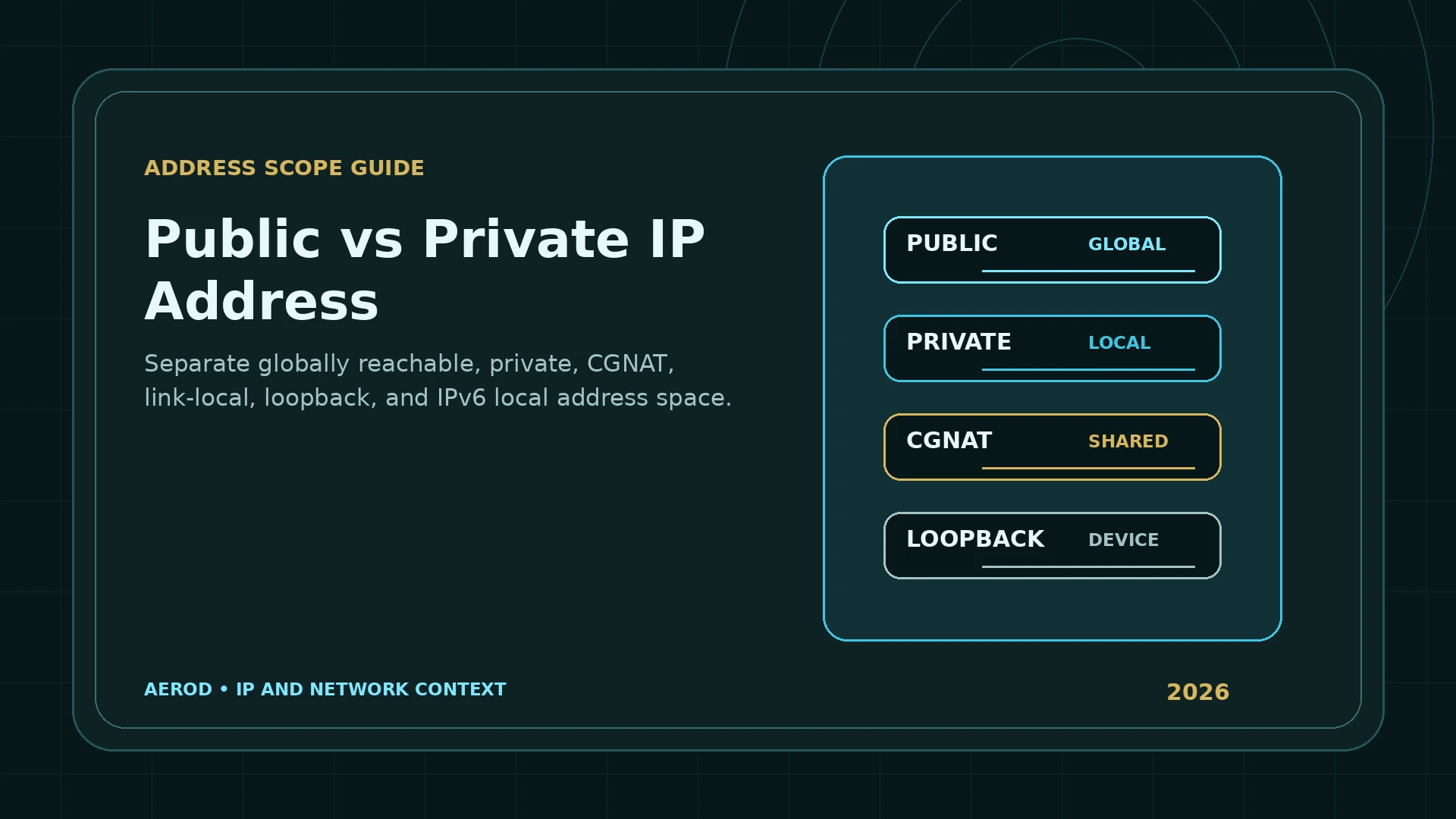
Public and private IP addresses use the same basic IPv4 notation, but they have different scope. A public address is used for communication across the public internet. A private address is intended for a limited network and is not routed globally.
Quick answer
The address in your device settings and the address shown by a website can both be correct.
The local address identifies the interface inside a private or limited network. The public address identifies the internet-facing route after the router, ISP, VPN, or proxy has handled the connection.
RFC 1918 private IPv4 ranges
RFC 1918 reserves three blocks for private IPv4 networks:
| Address block | Full range | Common use |
|---|---|---|
10.0.0.0/8 | 10.0.0.0–10.255.255.255 | Large private, enterprise, cloud, and lab networks |
172.16.0.0/12 | 172.16.0.0–172.31.255.255 | Private networks, containers, and virtual infrastructure |
192.168.0.0/16 | 192.168.0.0–192.168.255.255 | Home and small-office networks |
How NAT connects private devices to the internet
A home router can assign private addresses to phones, computers, consoles, cameras, and appliances. When those devices access the internet, network address translation rewrites the connection so multiple local devices share the router's public IPv4 address.
NAT provides address translation, not a complete security policy. A firewall can block unsolicited inbound traffic, but exposed ports, unsafe services, compromised devices, and router misconfiguration remain security concerns.
Carrier-grade NAT is a different shared range
RFC 6598 reserves 100.64.0.0/10 for shared address space used by carrier-grade NAT. The full range is 100.64.0.0–100.127.255.255.
This is not one of the RFC 1918 private blocks. It is intended for service-provider networks between customer equipment and large-scale NAT systems. If a router's WAN address falls inside this range, the connection may be behind carrier-grade NAT.
Why carrier-grade NAT matters
- Several subscribers can share one public IPv4 address.
- Inbound port forwarding may not work without provider support.
- A public IP lookup shows the provider's shared exit, not the customer-side CGN address.
- Timestamps and source ports can be necessary to distinguish sessions.
Loopback, link-local, and other special-use IPv4 addresses
| Block | Purpose | Scope |
|---|---|---|
127.0.0.0/8 | Loopback; commonly 127.0.0.1 | One device |
169.254.0.0/16 | IPv4 link-local automatic addressing | One local link |
0.0.0.0 | Unspecified or default-route context depending on use | Special purpose |
224.0.0.0/4 | Multicast | Group communication, not ordinary unicast |
The IANA special-purpose registry is the authoritative reference for current IPv4 blocks. An address that is not RFC 1918 private can still be reserved, documentation-only, link-local, loopback, multicast, or otherwise unsuitable as a normal public unicast route.
Public and local IPv6 addresses
IPv6 does not use the RFC 1918 IPv4 blocks. It has its own address types and scopes.
| IPv6 block | Purpose | Globally routed? |
|---|---|---|
FC00::/7 | Unique local unicast | Not expected to be routed on the global internet |
FE80::/10 | Link-local unicast | No; routers must not forward it to another link |
::1/128 | Loopback | No |
| Global unicast space | Internet-routable interface addresses | Subject to routing and policy |
RFC 4193 defines unique local IPv6 addresses for limited communication inside a site or explicitly connected sites. RFC 4291 defines link-local addresses for one link and the general global-unicast model.
Private address does not mean anonymous
A private address can be reused by millions of networks. That does not make activity anonymous. The router, ISP, employer, VPN, proxy, website, account, browser storage, and application logs can each hold different pieces of context.
Likewise, a public IP does not automatically expose a home address. IP geolocation is approximate and usually describes a network location or service area rather than a device's precise physical position.
Can a website see a private IP?
A normal HTTP request exposes the public source route. It does not include the device's RFC 1918 address as a standard request field.
Browser features can expose additional local or connection context in limited situations. WebRTC implementations commonly use mDNS hostnames to reduce direct private-address exposure, but candidate data, permissions, extensions, local services, and application APIs should still be reviewed separately. Use the WebRTC Leak Test and Browser Permissions & Privacy Settings Check for browser-specific checks.
How to identify the address you are looking at
- Copy the address exactly.
- Determine whether it is IPv4 or IPv6.
- Check it against the relevant private and special-use ranges.
- If it is public, use IP Lookup to review the ASN, organization, and approximate location.
- Compare the result with the router's WAN address and the device's local interface address.
- If the WAN address is private or inside
100.64.0.0/10, another NAT layer exists upstream.
Address-scope reference
Classify before interpreting
- RFC 1918 private IPv4.
- RFC 6598 shared CGNAT IPv4.
- IPv4 loopback.
- IPv4 link-local.
- Public IPv4 unicast.
- IPv6 unique local.
- IPv6 link-local.
- IPv6 global unicast.
Router WAN addresses and double NAT
The router's WAN interface can help identify where translation occurs. If the WAN address is public and matches the browser lookup, the router is probably the internet-facing IPv4 translator. If the WAN address is RFC 1918 private or inside 100.64.0.0/10, another router or provider NAT layer exists upstream.
Double NAT is common when an ISP gateway sits in front of a personal router. It can also occur in apartment networks, mobile hotspots, virtual machines, and nested lab environments. The arrangement is not automatically broken, but it can complicate inbound connections, port forwarding, gaming, peer-to-peer software, and remote access.
Address scope is separate from ownership and assignment
Classifying an address as public only means it is not in a special-use block that prevents normal global routing. It does not prove that the address is currently assigned, reachable, or owned by the person using it. WHOIS or registry information describes the organization responsible for the address block, while routing data shows which autonomous system currently announces it.
Likewise, a private address can be assigned to many unrelated devices on different networks. 192.168.1.10 can exist simultaneously in millions of homes because it is only expected to be unique inside each local routing domain.
Choosing the right address for a task
- Use the private address to reach a device from the same local network when routing and firewall rules allow it.
- Use the public address to identify the internet-facing route or configure an externally reachable service.
- Use a hostname or dynamic DNS when the public address changes frequently.
- Confirm carrier-grade NAT before assuming inbound port forwarding is possible.
- Use IPv6 scope correctly: link-local for one link, unique-local for limited internal routing, and global unicast for internet routing.
FAQ
What is the main difference between a public and private IP address?
A public address is intended for communication across the public internet. A private or local address has limited scope and is not globally routed.
Is 172.x.x.x always a private IP address?
No. Only 172.16.0.0 through 172.31.255.255 is the RFC 1918 private block. Addresses such as 172.8.0.1 or 172.40.0.1 are not private merely because they begin with 172.
Is 100.64.x.x a private address?
It belongs to the shared address space reserved by RFC 6598 for carrier-grade NAT. It is not ordinary RFC 1918 private space and is not globally reachable.
What is the IPv6 equivalent of a private address?
Unique local IPv6 addresses use FC00::/7 and are intended for limited local communication. IPv6 link-local addresses use FE80::/10 and remain on one link.
Does a private IP address make a device secure?
No. Address scope is not a security boundary by itself. Routers, firewalls, access controls, service configuration, and software security still determine exposure.
Can a website see my private IP address?
Ordinary web requests expose the public route, not the device's private address. Other browser features or local-network permissions can reveal limited local context, which is why browser exposure should be tested separately.