An IP location result is an estimate of where a network address is likely to be used. It is not GPS, and it is not a direct reading of the device's physical position. A result can point to an ISP hub, mobile gateway, VPN exit, corporate network, hosting facility, registration address, or nearby population center.
Quick answer
The location usually describes the network route, not the person or device.
Open IP Lookup, record the IP, ASN, organization, and address family, then determine whether the route belongs to the expected ISP, mobile carrier, VPN, proxy, workplace, or hosting provider.
IP geolocation is inherently approximate
IP geolocation providers combine routing information, address allocation data, network observations, user-supplied corrections, commercial datasets, and statistical inference. The result can be accurate at one level and wrong at another.
MaxMind states that its own products estimate country-level accuracy at 99.8%. For IPs in the United States, it estimates about 80% accuracy at the state or region level and 66% city accuracy within a 50 km radius. Those figures describe MaxMind products, not every lookup service.
Accuracy radius and confidence
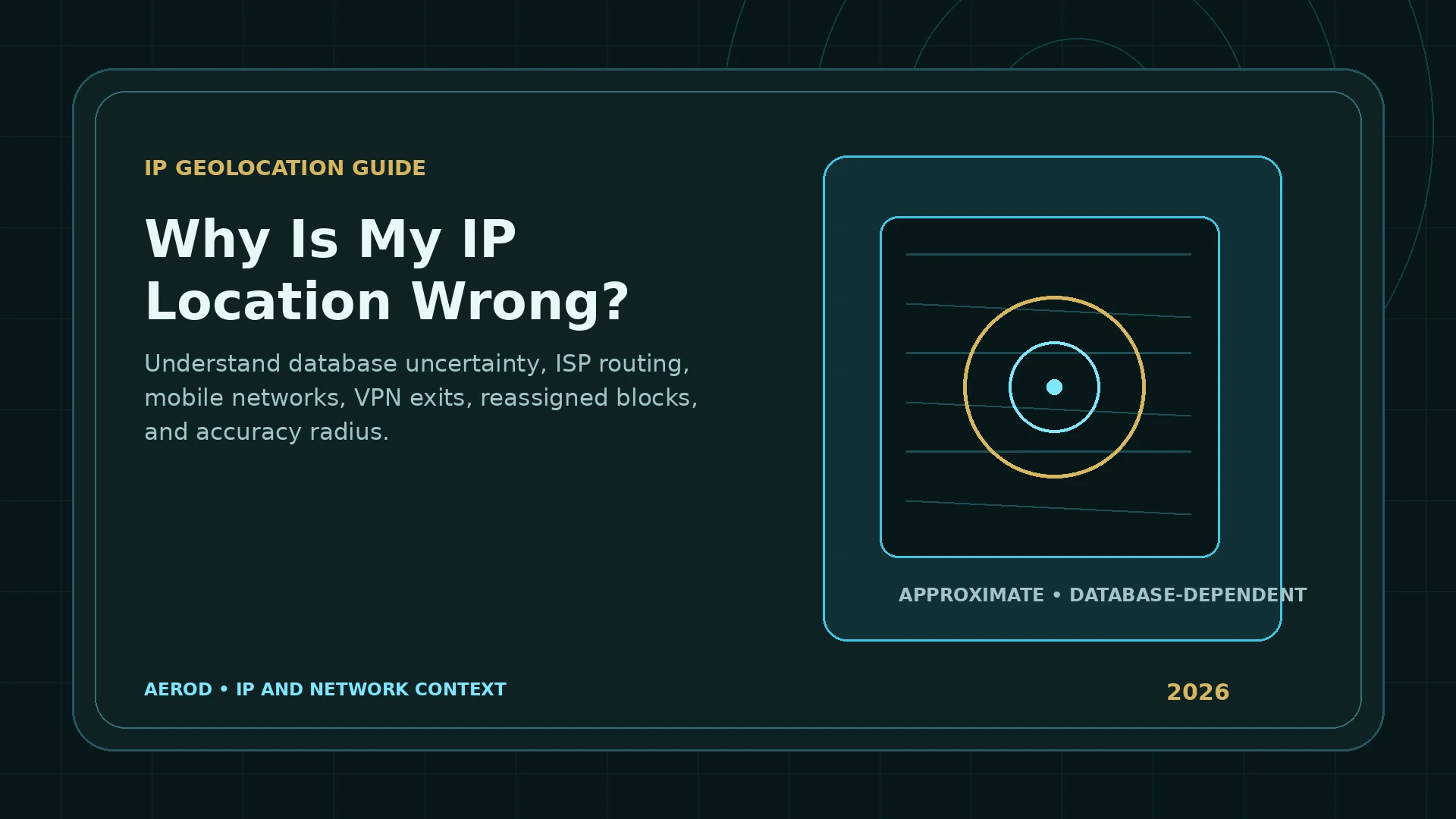
A geolocation result can include a center coordinate and an accuracy radius. The likely location is somewhere within that area, not necessarily near the center.
| Field | Correct interpretation | Common mistake |
|---|---|---|
| Country | Likely country associated with the route | Treating it as proof of the user's citizenship or residence |
| Region | Estimated state, province, or subdivision | Assuming the ISP exit is in the same region as the device |
| City | Likely city or nearby population center | Reading it as an exact municipality |
| Coordinates | Center of a probable geographic area | Reading the pin as a building location |
| Accuracy radius | Estimated uncertainty around the coordinates | Ignoring the radius |
| Registered country | Country where the network is registered | Assuming traffic physically exits there |
Common reasons the city is wrong
ISP aggregation and network hubs
An ISP can route customers through regional infrastructure. The database may associate the address block with a major city, network operations center, or peering location rather than the customer's town.
Mobile carrier gateways
Mobile addresses can serve devices across a wide area. The visible IP may belong to a carrier gateway in another city or region. Movement between towers and gateways can change the result without the user travelling to the reported location.
Carrier-grade NAT
Carrier-grade NAT can place many subscribers behind shared public IPv4 addresses. The public route can represent provider infrastructure serving a large region. RFC 6598 reserves 100.64.0.0/10 for shared address space inside provider networks, though the public lookup sees the translated internet-facing address rather than the internal shared address.
Reassigned address blocks
Networks buy, lease, transfer, and reannounce address space. A block previously used in one region can be routed elsewhere before every geolocation database updates.
Stale or conflicting databases
Different services can refresh on different schedules and use different evidence. One lookup may be current while another retains an older assignment. Two providers can also make different choices about how specific a result should be.
Population-center fallback
When precise data is unavailable, a database can return the nearest or largest metropolitan area within the estimated region. MaxMind notes that smaller towns can be represented by a larger nearby city when the accuracy area covers several places.
Why the country can be wrong
- A VPN or proxy exits in another country.
- A corporate network backhauls traffic through a central office or cloud gateway.
- A satellite or mobile provider uses centralized international infrastructure.
- The address is registered in one country but routed in another.
- An anycast or distributed service announces the same address from multiple locations.
- The database has not processed a recent address transfer.
VPNs and proxies change the location of the route
When a VPN or proxy is active, an IP lookup usually describes the exit server rather than the underlying ISP connection. That is expected. The location can still differ from the server label because:
- The provider uses virtual or remotely hosted locations.
- The address block is registered elsewhere.
- The database has not updated the server's current routing location.
- IPv4 and IPv6 use different paths.
- Split tunneling excludes the browser or lookup destination.
Use How to Check If a VPN Changed Your IP for a controlled before-and-after test.
IPv4 and IPv6 can disagree
A dual-stack connection can have one IPv4 geolocation and another IPv6 geolocation. The two addresses can belong to different allocations or provider systems. Record both address families before deciding that the lookup is inconsistent.
Browser location is a different signal
A browser's Geolocation API can use operating-system location services, Wi-Fi positioning, GPS, cellular information, and user permission. It does not necessarily use the same source as IP geolocation.
This explains why a map application can show the device accurately while an IP lookup reports another city. The browser has access to a more precise, permission-controlled location source; the IP database has only network-level evidence.
How to troubleshoot a wrong IP location
- Record the public IPv4 and IPv6 addresses using IP Lookup.
- Record the ASN and organization.
- Disable or reconnect the VPN or proxy if you are intentionally testing the underlying ISP route.
- Compare more than one reputable geolocation database.
- Check whether the router WAN address differs from the public lookup because of carrier-grade NAT.
- Repeat the test on another network, such as mobile data versus Wi-Fi.
- Ask the ISP whether the address block was recently reassigned or routed through another region.
- Submit a correction to the database provider when the network assignment is consistently wrong.
What will not reliably fix the result
- Clearing browser cookies when the error is in the IP database.
- Changing the device timezone.
- Restarting the router and assuming a new public IP is guaranteed.
- Changing browser location permission when the website is using only IP geolocation.
- Editing a map pin locally without correcting the network database.
Correction checklist
Collect enough evidence before reporting the error
- Public IPv4 and IPv6.
- ASN and organization.
- Actual country and region.
- Whether a VPN, proxy, mobile gateway, or corporate tunnel is active.
- Results from more than one database.
- Date and time of the lookup.
- Evidence that the block is routed from the claimed area.
FAQ
Why does my IP address show a nearby city instead of my town?
Geolocation databases often assign an address block to a network hub, service area, or larger nearby city. The returned coordinates represent an approximate area, not a precise device location.
Why does my IP location show another state or country?
The route may exit through ISP infrastructure, a mobile gateway, VPN, proxy, corporate network, or reassigned address block registered elsewhere. Database age and routing changes can also cause a mismatch.
Can an IP lookup find my street address?
No. Reputable IP geolocation data is not precise enough to identify a particular household or street address from the IP alone.
Why do two IP lookup websites show different locations?
They can use different databases, update schedules, confidence rules, and methods. One may return a broad network area while another returns a registration or population-center location.
Can I correct a wrong IP geolocation result?
You can report the issue to the database provider or ISP. Corrections can take time to propagate, and separate services may continue using older or different data.
Does browser location use the same data as IP geolocation?
Not necessarily. Browser geolocation can use Wi-Fi, GPS, operating-system location services, and permissions. IP geolocation uses the network address and database inference.