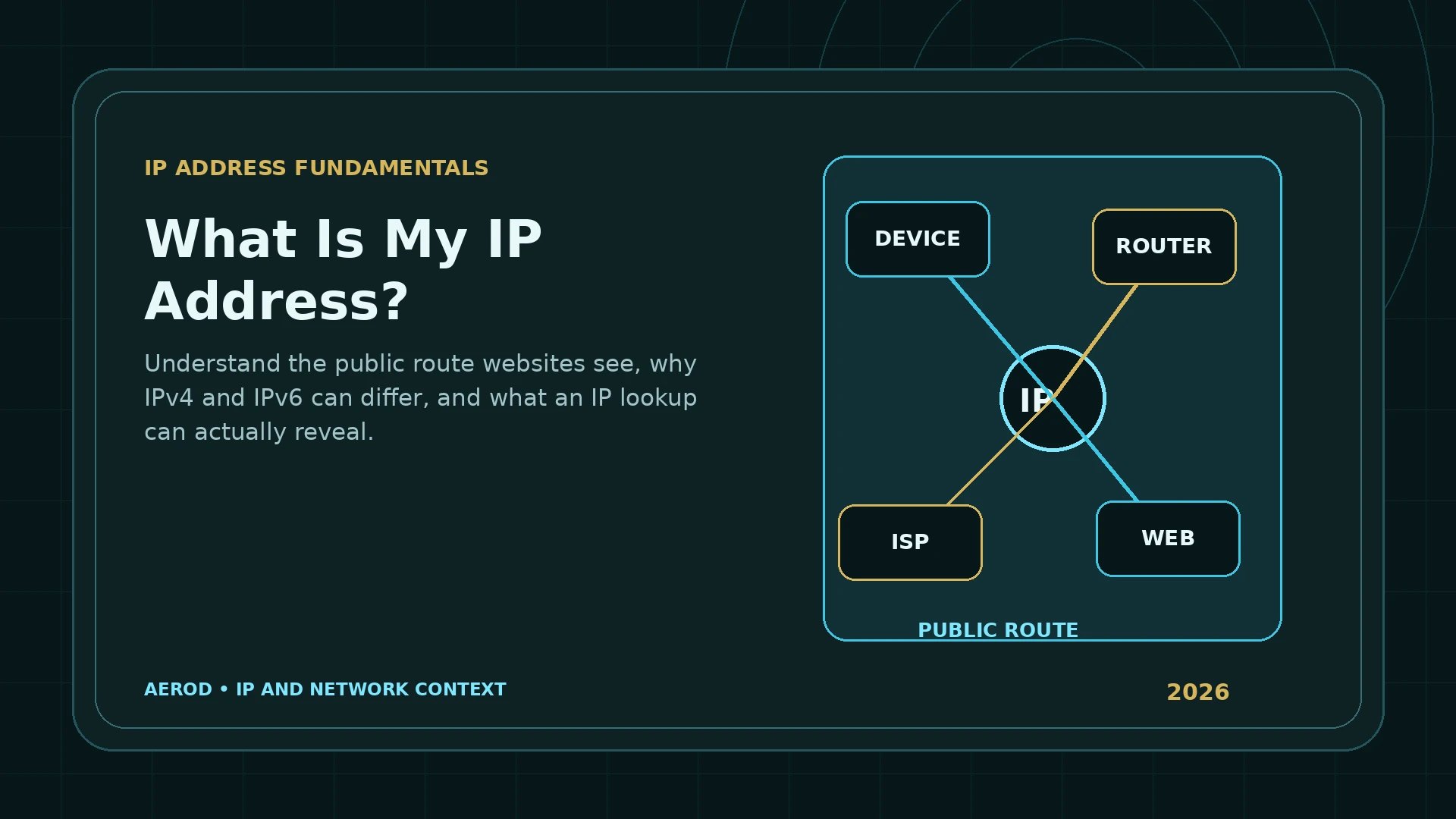
Your public IP address is the source address that an internet service sees when your connection reaches it. The address may belong to your home ISP, mobile carrier, workplace, school, VPN provider, proxy provider, or a cloud network. It identifies a route and network context; it does not reliably identify the individual person using that route.
Quick answer
Your public IP is the internet-facing route used by the connection you are testing.
Open IP Lookup & What’s My IP from the exact browser and network you want to check. Record both IPv4 and IPv6 results when available, along with the ISP or organization, ASN, and approximate location.
Why your device can have more than one IP address
A modern device can have several addresses at the same time:
- A private IPv4 address on the home or office network.
- An IPv6 link-local address used only on the local link.
- A globally routable IPv6 address.
- A public IPv4 address shared through the router or ISP.
- A different public address used by a VPN, proxy, mobile carrier, or corporate gateway.
IPv6 addresses are assigned to interfaces, and one interface can have multiple IPv6 addresses with different scopes. A browser may therefore reach one destination over IPv6 and another over IPv4.
Public IP versus the address shown in network settings
Your operating system often shows the address used inside the local network. Home routers commonly assign addresses from the private IPv4 ranges defined by RFC 1918:
| Private IPv4 block | Common local use | Globally routable? |
|---|---|---|
10.0.0.0/8 | Large private and enterprise networks | No |
172.16.0.0/12 | Private networks and virtual infrastructure | No |
192.168.0.0/16 | Home and small-office networks | No |
Network address translation allows several private devices to share one public IPv4 address. The router rewrites connection information so replies return to the correct local device.
Carrier-grade NAT and shared public IPv4
An ISP can place another translation layer between your router and the public internet. RFC 6598 reserves 100.64.0.0/10 as shared address space for carrier-grade NAT. In that arrangement, multiple customers can ultimately use the same public IPv4 address.
This is why a public IP does not always map cleanly to one household or subscriber at one moment. The provider can distinguish sessions using internal translation records, ports, and timestamps, but a public lookup cannot see those private records.
IPv4 and IPv6 can show different public routes
IPv4 uses 32-bit addresses. IPv6 uses 128-bit addresses and supports a far larger address space. A dual-stack network can use both protocols simultaneously.
Check both families because:
- A VPN may tunnel IPv4 but leave IPv6 outside the tunnel.
- A proxy may apply only to the application’s IPv4 connections.
- An ISP can route IPv4 and IPv6 through different infrastructure.
- Geolocation databases can return different locations for the two address families.
- A browser can prefer IPv6 when the destination supports it.
What an IP lookup can show
| Field | What it describes | Important limitation |
|---|---|---|
| IP version | IPv4 or IPv6 | A device can use both |
| ISP or organization | Network associated with the address block | May be a VPN, host, carrier, or upstream provider |
| ASN | Autonomous system announcing the route | Does not identify the end user |
| Country or region | Approximate geolocation assigned by a database | Can reflect network infrastructure rather than device location |
| City and coordinates | Estimated geographic area | Not a street address or precise household location |
| Timezone | Timezone associated with the estimated area | May differ from the device timezone |
What an IP address does not prove
- The exact physical location of the device.
- The street address or household using the connection.
- The identity of the person operating the browser.
- Whether the user owns the address.
- Whether all applications on the device use the same route.
- Whether browser storage, cookies, fingerprinting, or account history match the route.
Static and dynamic public IP addresses
A static address is intended to remain assigned. A dynamic address can change according to the ISP’s lease and routing system. “Dynamic” does not mean it will change every time the router restarts, and “static” does not guarantee that the provider will never renumber the connection.
Common reasons for a change include:
- Connecting through a different Wi-Fi or mobile network.
- Receiving a new ISP lease.
- Moving between mobile carrier gateways.
- Enabling or changing a VPN server.
- Changing proxy endpoints.
- Switching between IPv4 and IPv6.
How to check your current public route
- Open Aerod IP Lookup in the browser you are testing.
- Record the visible IPv4 and IPv6 addresses when both are available.
- Record the ASN, organization, country, region, and city.
- Note whether the network is your ISP, mobile carrier, workplace, VPN, proxy, or hosting provider.
- Repeat the check after changing the connection.
- Use the WebRTC Leak Test and Proxy/VPN Detection for additional browser and route context.
What to record when troubleshooting a route
A single screenshot of an IP address is often not enough to explain a connection problem. Record the surrounding network context so that two tests can be compared accurately.
| Record | Why it matters |
|---|---|
| Date and time | Dynamic assignments, mobile gateways, and VPN exits can change. |
| Network in use | Wi-Fi, Ethernet, mobile data, hotspot, workplace, and VPN routes can differ. |
| IPv4 and IPv6 | One family can change while the other remains on the original route. |
| ASN and organization | Shows which network announces the address. |
| Country, region, and city | Provides approximate database context, not exact physical location. |
| Browser or application | Split tunneling and per-app proxy settings can produce different results. |
Why the same device can appear under different public IPs
A laptop on home Wi-Fi can use the home ISP address, then switch to a mobile hotspot and use the carrier's address, then connect to a VPN and use the VPN server's address. None of those changes require the device itself to receive the public address directly.
Applications can also diverge. A browser extension may proxy only browser traffic, while a desktop application keeps using the ISP route. Split tunneling can deliberately exclude selected programs or destinations. Test the exact program and network path instead of assuming one lookup represents the whole device.
FAQ
What is the public IP address websites see?
It is the source address used by your connection when traffic reaches the public internet. It may belong to your ISP, mobile carrier, workplace, VPN, proxy, or cloud network rather than directly to one device.
Why can my device show a private IP and a website show a different IP?
Your router or provider can translate many local addresses into one public route using NAT or carrier-grade NAT. The local address identifies the device inside a limited network; the public address identifies the internet-facing connection.
Can I have both a public IPv4 and a public IPv6 address?
Yes. A dual-stack connection can use public IPv4 for some destinations and public IPv6 for others. Both should be checked when verifying a VPN or proxy.
Does my public IP identify me personally?
Not by itself. It can identify a network, provider, ASN, and approximate geographic area, but it is not a reliable street address or proof of the individual using the connection.
Why does my public IP change?
ISPs and mobile carriers can assign addresses dynamically. Reconnecting, changing networks, moving between mobile gateways, enabling a VPN, or switching proxy endpoints can change the route.
Can two people use the same public IP address?
Yes. Home devices commonly share one public address through a router, and carrier-grade NAT can place many customers behind shared public IPv4 addresses.